
BC Game Pakistan Support and Customer Service
BC Game customer support is available around the clock, every day of the year, to assist players with account issues, payment queries, technical problems, and general platform questions. The BC Game support team can be reached through live chat, email, and Telegram, covering multiple contact channels to suit different needs and urgency levels. Support is provided in English and several other languages, with Pakistani players able to communicate in a language they are comfortable with, and typical first response times range from a few seconds on live chat to up to 24 hours via email.
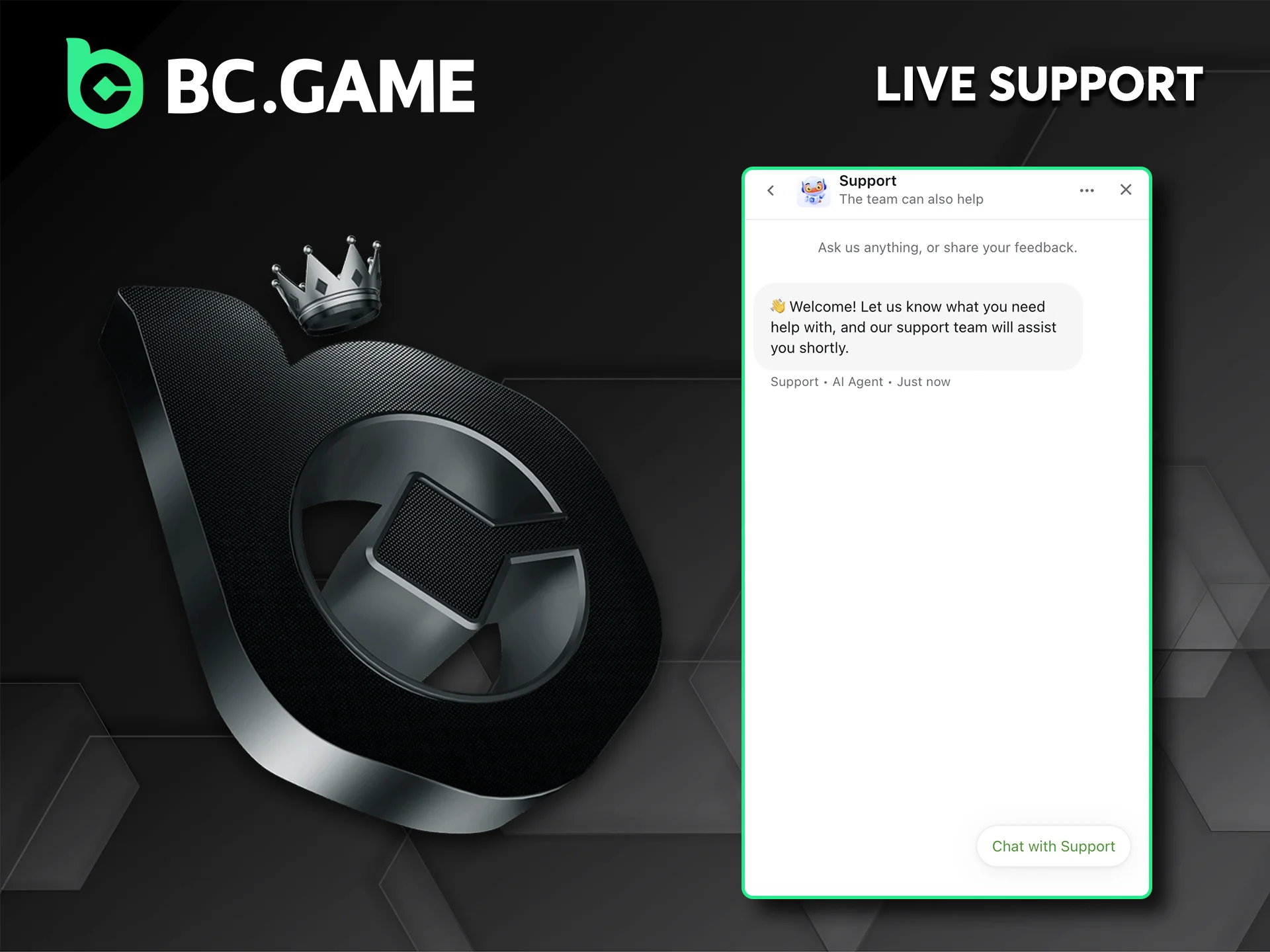
BC Game Live Support: Instant Assistance via Chat
BC Game live support is accessible directly through the platform by clicking the chat icon found at the bottom of the screen on both desktop and mobile. The customer support channel connects players with a live agent in real time, and the average first response via live chat is under one minute. This contact channel is best suited for:
- Urgent account issues such as login failures or blocked withdrawals;
- Quick clarifications about bonus terms or wagering conditions;
- Payment status checks that require immediate attention;
- Any time-sensitive situation where a fast answer is needed.
To receive a faster response, have the account username or registered email address ready before starting the chat, and describe the issue in one clear sentence at the start of the conversation.
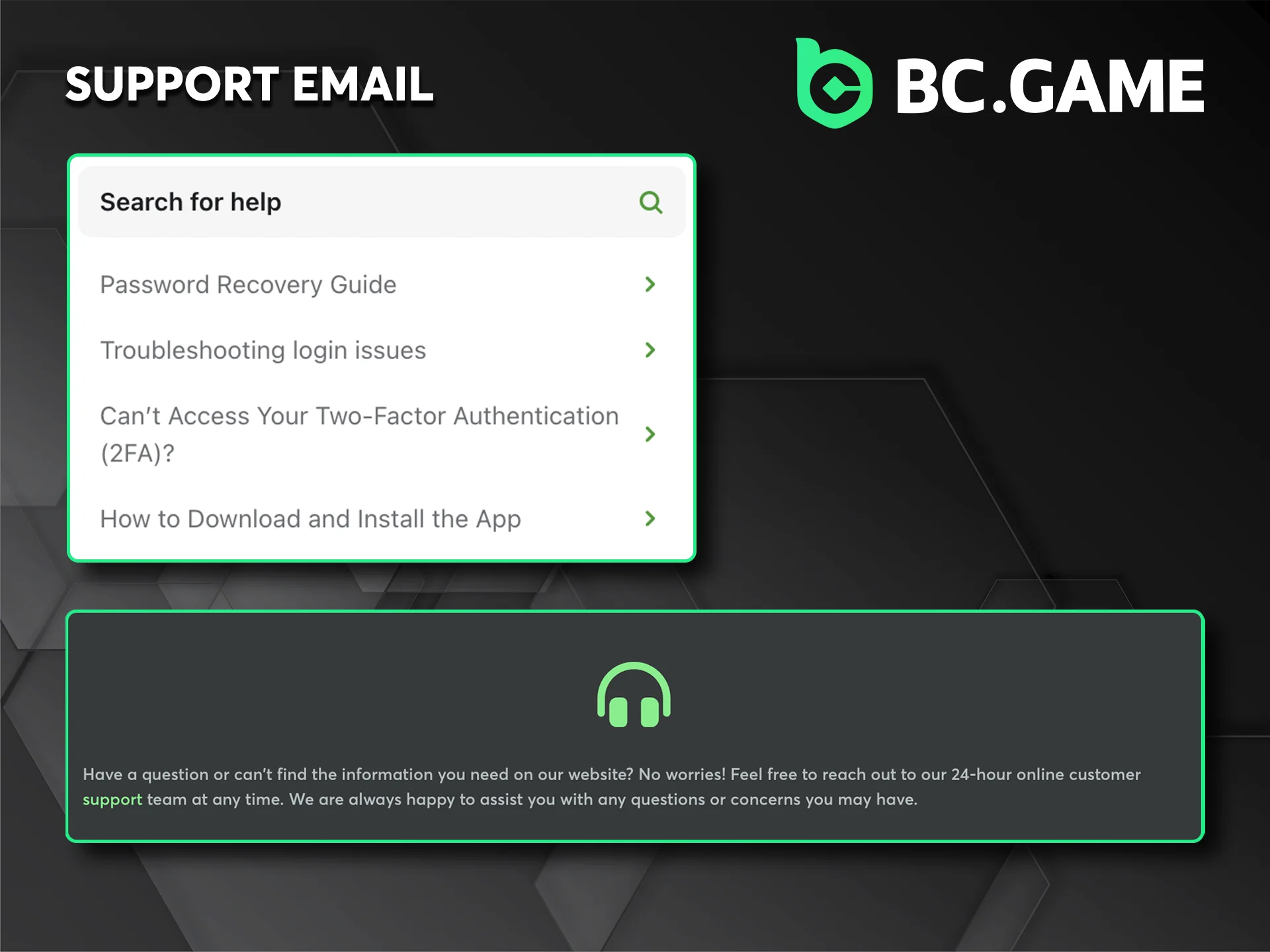
BC Game Support Email: For Detailed and Documented Requests
Players can contact the BC Game support team by sending an email to [email protected], which is the official support email address listed on the platform. The BC Game customer service team aims to reply to email enquiries within 24 hours, though most responses are delivered sooner during standard working periods. This contact channel is most appropriate for:
- Requests that require attaching documents, such as identity verification or payment proof;
- Detailed complaints or account disputes that need a written record;
- Questions involving sensitive account information that should not be shared in a chat session;
- Follow-up correspondence on ongoing support cases.
For a quicker resolution, include the registered account email and a clear subject line describing the issue, and attach all relevant screenshots or documents in the first message to avoid back-and-forth delays.
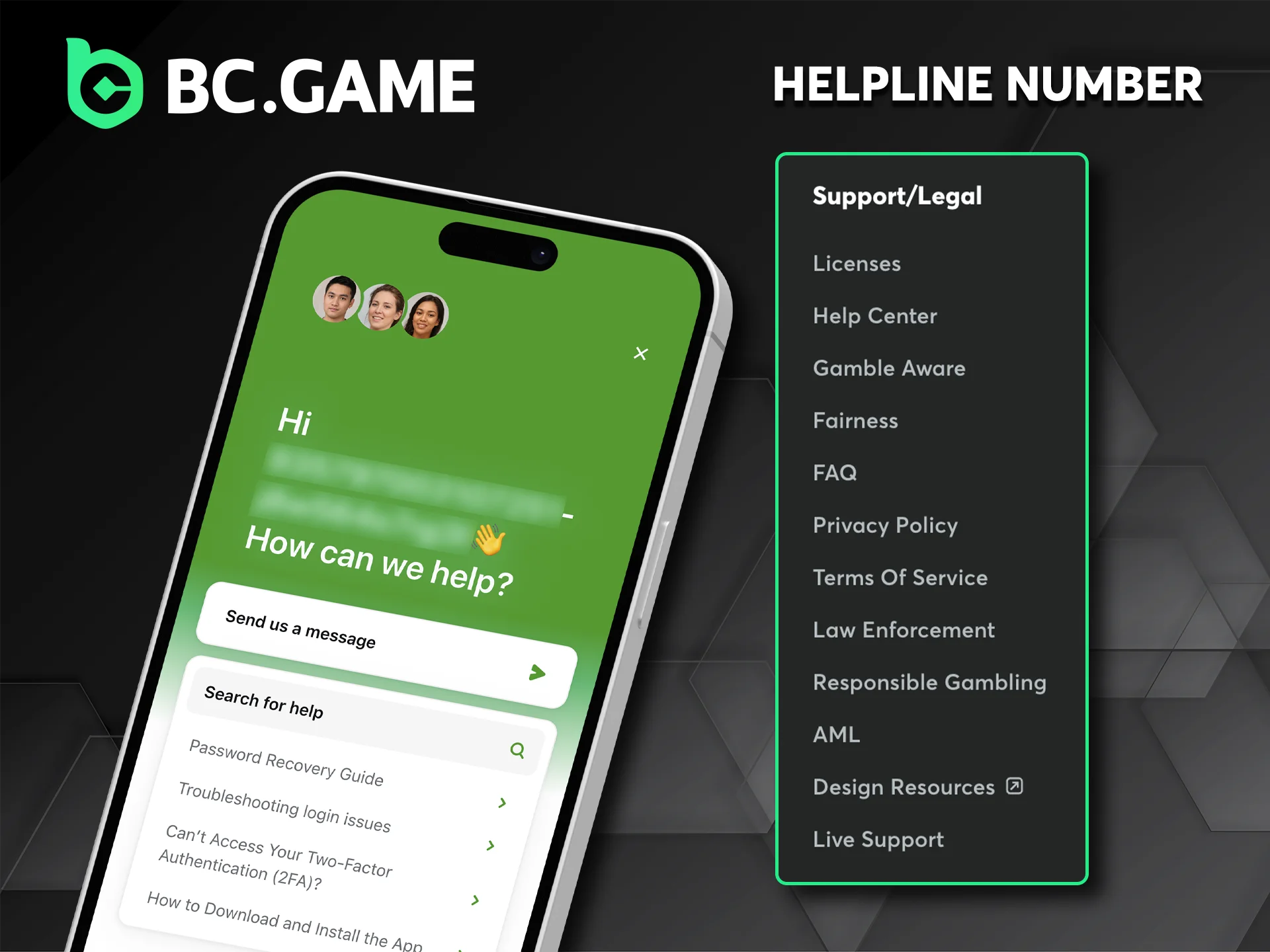
BC Game Helpline Number and Phone Contact
BC Game does not currently publish a dedicated helpline number or direct phone support line as part of its official customer service options. The platform focuses its support infrastructure on digital channels, including live chat and email, which are available at all hours without the limitations of a phone queue. For players in Pakistan looking for a support number, the live chat function on the BC Game website serves as the fastest real-time alternative, with response times that are comparable to or faster than a standard phone support experience. This contact method is most relevant for:
- Players who prefer synchronous communication with a support agent;
- Situations where an immediate, back-and-forth exchange is needed;
- Users who have tried self-service resources without finding a resolution;
- Cases where speaking with a person in real time is the preferred approach.
If a direct conversation is required, the live chat support on the website is the closest available option, and keeping the account details at hand will help the agent verify identity and resolve the issue without additional delays.
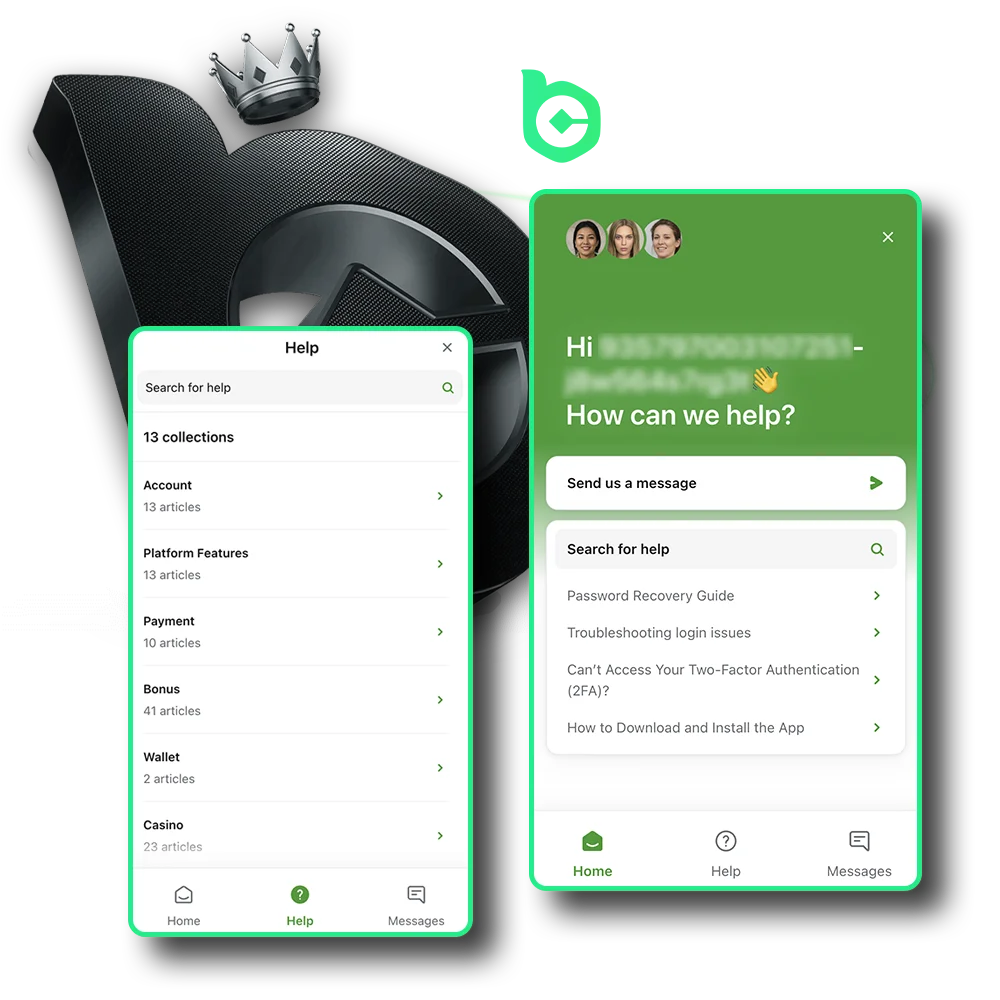
Technical Support at BC Game
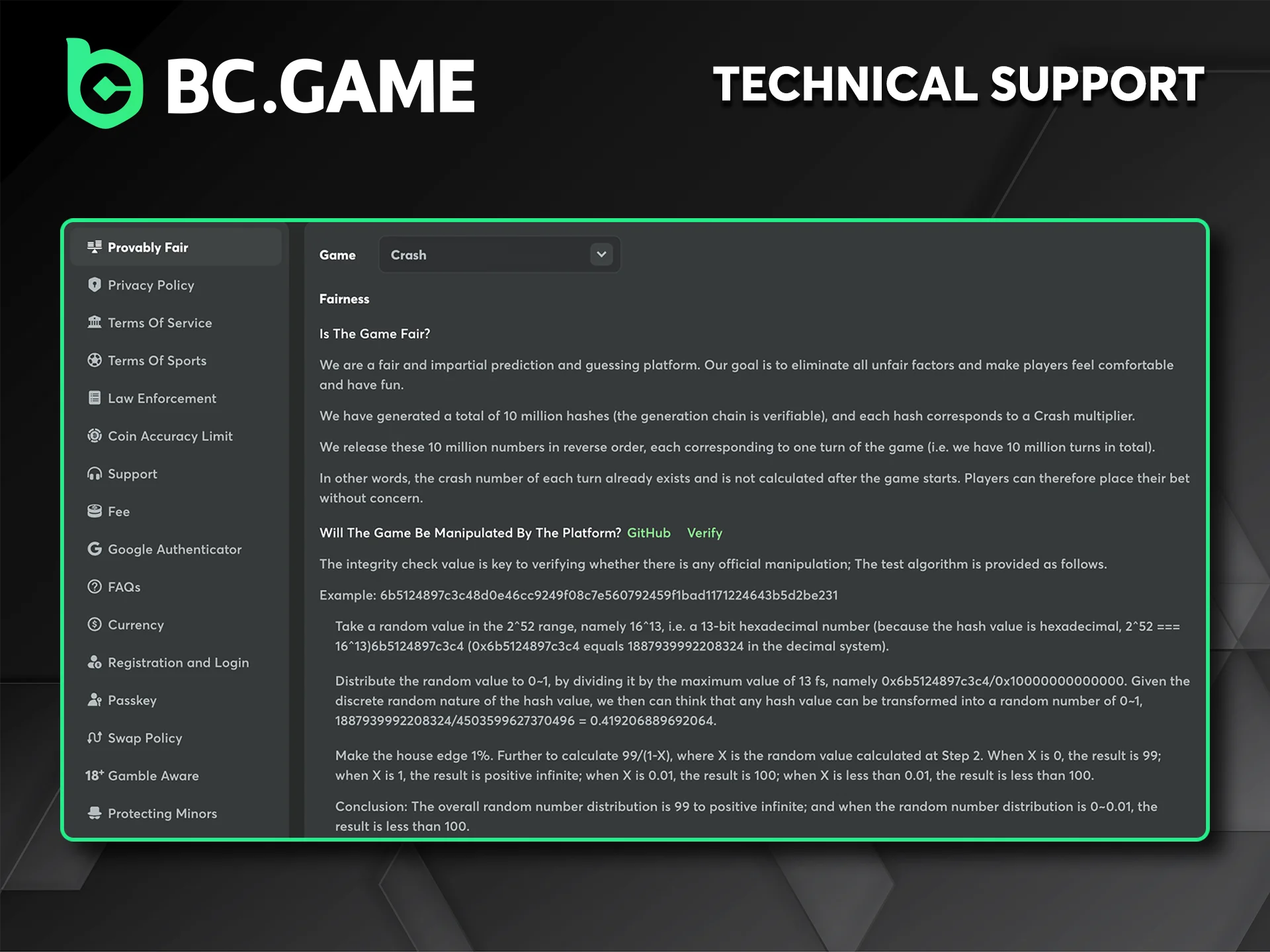
Technical support at BC Game is handled through the same live chat and email channels used for general customer service, with agents trained to address platform-specific issues including game loading failures, transaction errors, app performance problems, and browser compatibility concerns. Players experiencing technical difficulties can initiate a chat session on the website or submit a detailed email to [email protected], and the BC Game support team typically responds to technical queries within minutes on live chat or within 24 hours by email. This contact method is most appropriate for:
- Game crashes, freezing screens, or incomplete round results;
- Failed deposits or withdrawals where funds appear to be missing;
- Login issues, two-factor authentication errors, or account access problems;
- Connectivity problems specific to the BC Game app or website on Pakistani networks.
To help the technical support team diagnose the issue faster, include the device type, operating system version, browser name, and a brief description of what happened before the error occurred, and attach a screenshot of any error message received.
VIP and Priority Support at BC Game
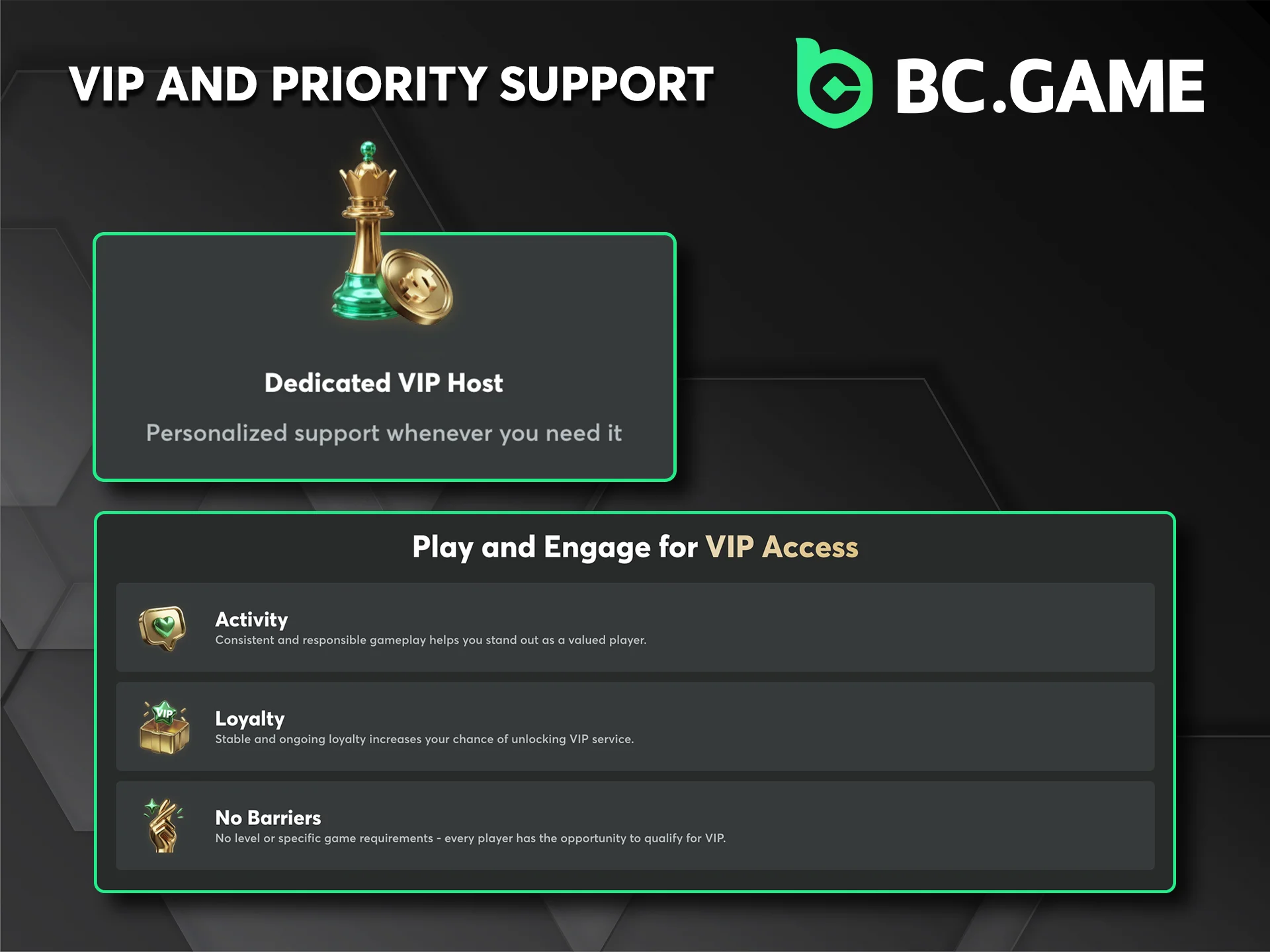
BC Game offers priority support access to players who have reached higher levels within the platform’s VIP programme, which is structured around the in-platform levelling system tied to wagering activity. VIP players are assigned dedicated account managers or receive access to faster response queues, and the BC Game customer service team handles their queries ahead of standard requests. Response times for VIP-tier players via live chat are typically under 30 seconds, with email responses often delivered within a few hours. This contact channel is most appropriate for:
- High-value transaction queries that require accelerated resolution;
- Account concerns related to VIP rewards, exclusive bonuses, or level-specific benefits;
- Escalated complaints that have not been resolved through standard support channels;
- Personalised assistance with withdrawal limits or account tier management.
VIP players should identify their account level at the start of any support interaction to ensure the query is routed to the correct priority queue, and all communication should be conducted through official BC Game channels to maintain account security.
Comments
Updated:
Social Media and Messaging Platform Support
BC Game maintains active channels on Telegram, which is the primary messaging platform used for community updates, announcements, and player support queries. Players can reach out through the official BC Game Telegram channel or community group, where support-related questions are monitored by the team. Response times on Telegram typically fall within a few hours, depending on query volume and the nature of the request. This contact channel is most suitable for:
For the best results, use only the official verified BC Game Telegram channel listed on the platform’s website to avoid third-party impersonators, and avoid sharing private account information publicly in group chats.